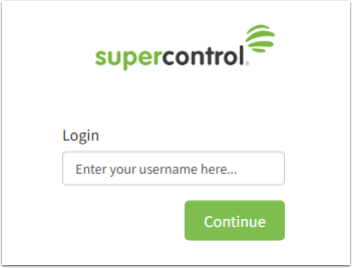
1. Go to your SuperControl login page and enter your username.
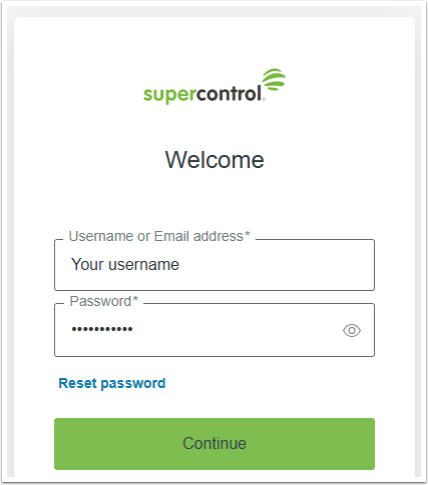
2. Enter your password and click Continue.
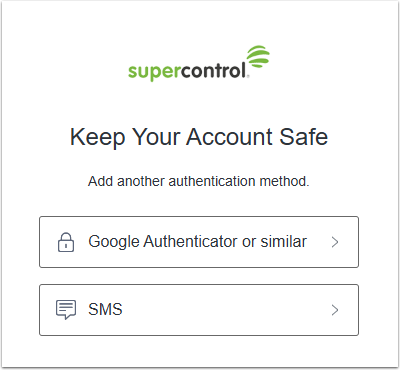
3. Choose your Multi-Factor Authentication method:
4. Once you’re logged into SuperControl, you’ll be asked to set up your security questions if you haven’t already done so. If you don’t see a prompt, this means your security questions are already set up.